Connect a GitHub repository
This guide will walk you through connecting your GitHub repositories to MFE Orchestrator.
Prerequisites
- An active GitHub account
- Access to at least one organization or personal repository
- Permission to authorize OAuth applications — on an organization, an owner may have to approve it
:::info GitHub uses OAuth, not a token Unlike GitLab and Azure DevOps, GitHub does not ask you for a Personal Access Token. You authorize MFE Orchestrator on GitHub instead, and it holds the resulting credential for you. :::
Step 1: Navigate to Code Repositories
- Go to Code Repositories in MFE Orchestrator
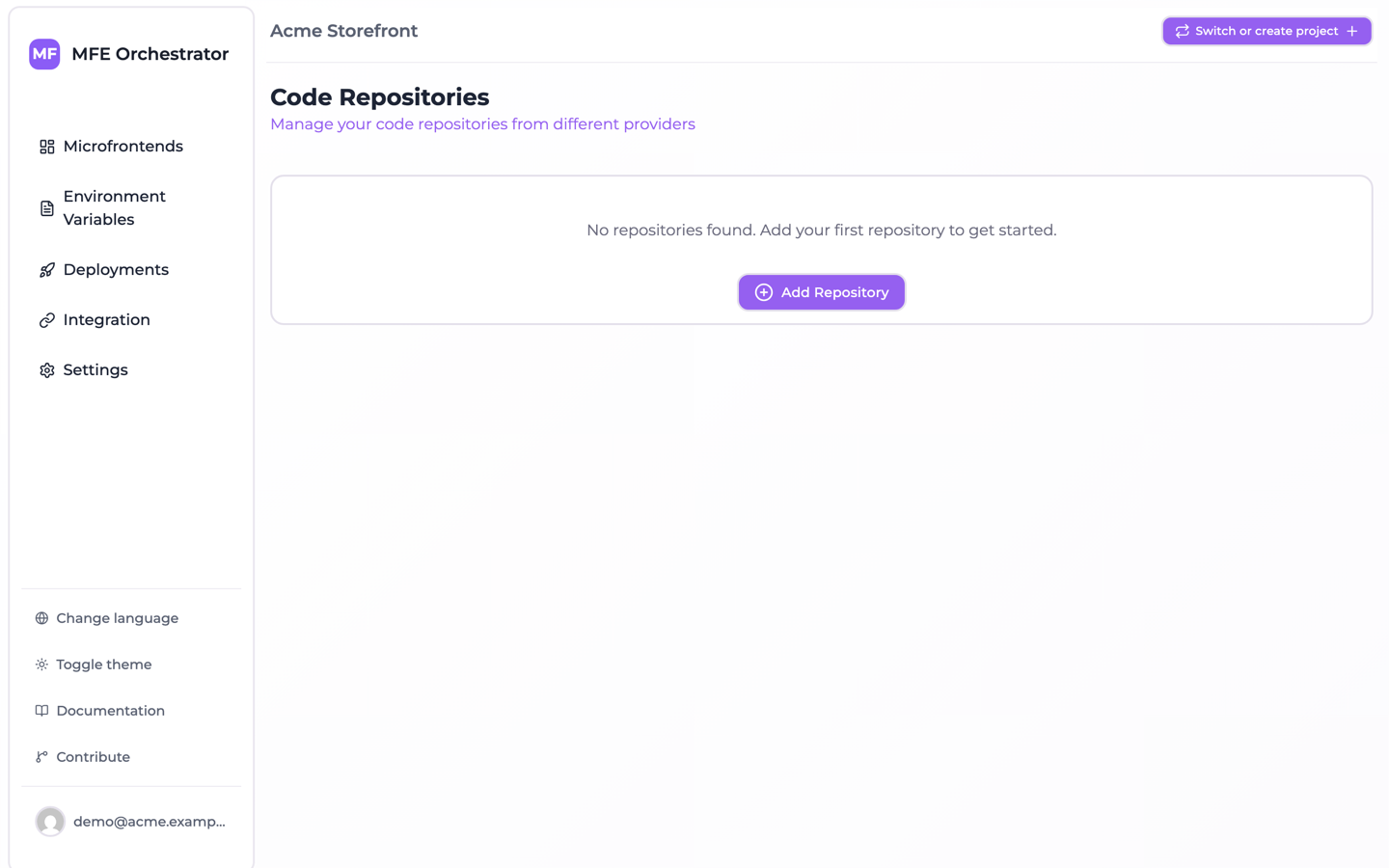
- Click the Add Repository button
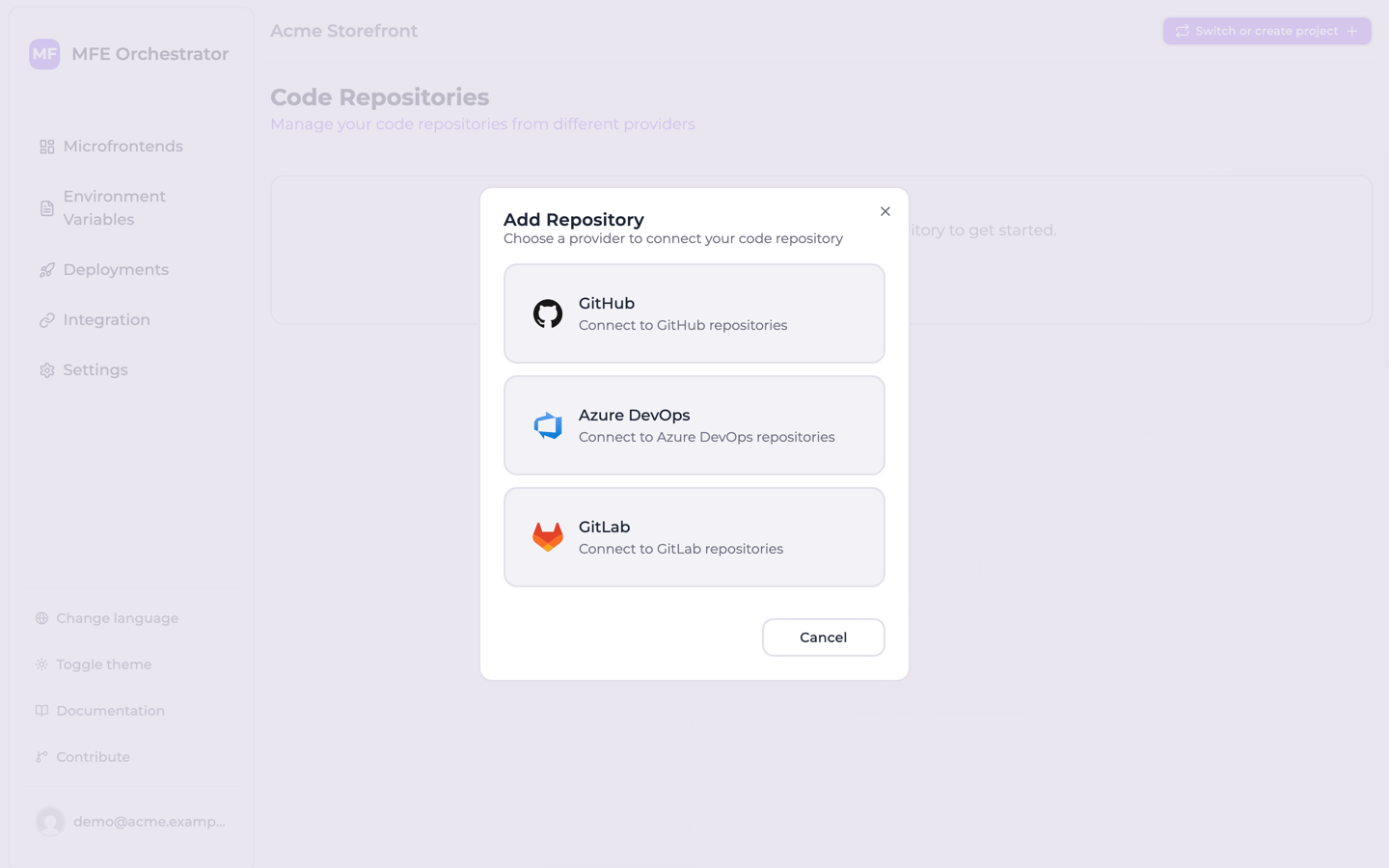
- Select GitHub as your provider
Step 2: Authorize on GitHub
Selecting GitHub sends you to GitHub's own authorization page. Sign in if you are not already, then
review the access being requested and confirm. GitHub asks for the scopes MFE Orchestrator needs to
read your repositories, create one from a template, and store the deploy secret its pipeline uses:
repo, public_repo, read:user, read:org, workflow and admin:org.
If the repositories you want belong to an organization, grant access to that organization on the same page. Without it, only your personal repositories appear later.
:::caution Organization approval Some organizations require an owner to approve third-party OAuth applications. If your organization does, the authorization stays pending until an owner approves it, and the organization's repositories will not be listed in the meantime. :::
Once you confirm, GitHub returns you to the console and the connection appears in the repository list. From there you can create a microfrontend from a template, which scaffolds the repository and its pipeline for you.
Troubleshooting
GitHub is not offered in the Add Repository dialog — the installation has no GitHub OAuth
application configured. On a self-hosted instance, set CODE_REPOSITORY_GITHUB_CLIENT_ID and
CODE_REPOSITORY_GITHUB_CLIENT_SECRET; see
Environment Variables.
Your organization's repositories are missing — either organization access was not granted during authorization, or an owner has not yet approved the application. Re-run the authorization from Code Repositories → Add Repository → GitHub and grant the organization explicitly.